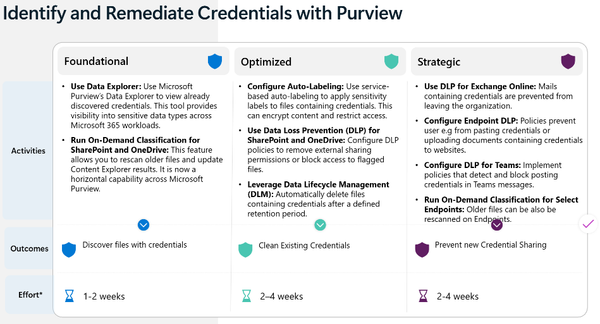
Recap: Finding SITs in Exchange Mail at Rest


I didn't have much of a following when I initially wrote about SIT-search limitations in mailbox data-at-rest. Since then, I've spoken with multiple clients and data security professionals who were under the mistaken impression that Purview could find that data. Since this limitation still exists, and since it's still an important nuance to be aware of, I figured I'd continue spreading awareness.
Initial blogs
Parts 1 and 2 of my initial research and development can be found below:
 Matthew Silcox
 Matthew Silcox
Documented proof
Multiple Microsoft Learn docs mention this limitation. It exists in eDiscovery & Content searches, and also affects Auto-Labeling policies. Microsoft product engineers have mentioned that a fix for this will be on the roadmap soon, but without a confirmed date, developing and using a custom solution remains viable.


eDiscovery Search for SITs in Mailboxes
You would be forgiven for thinking that you can find this data natively despite my claim to the contrary. The eDiscovery and Content Search experience allows you to build searches using SIT as a keyword:
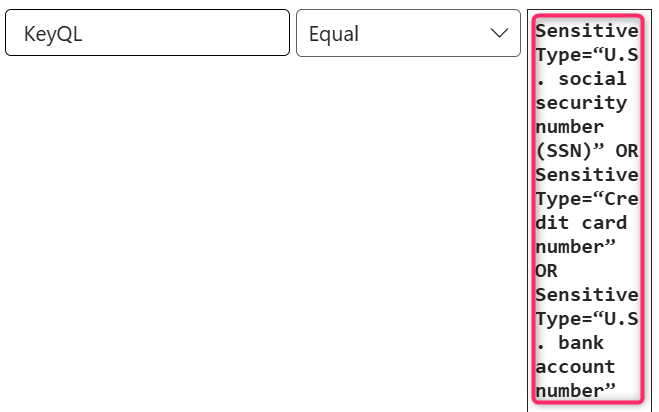
...But, your search results will return some sort of error, like the one below:
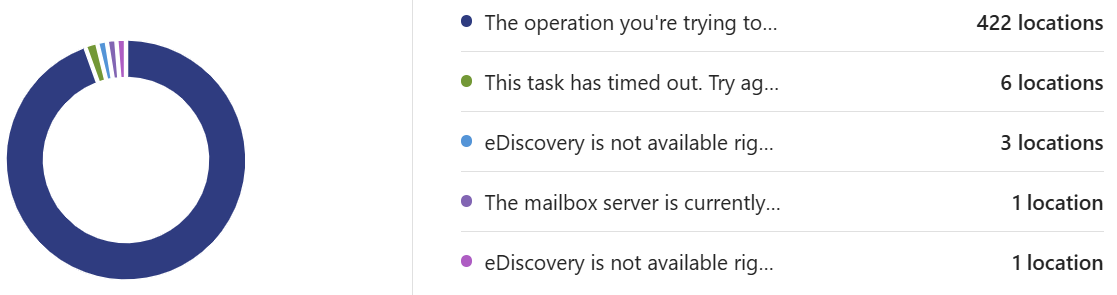
If you try it with a Content Search, you'll get a mix of error messages and hits for the exact words "U.S. Social Security Number" instead of real data (typically for email alerts generated from DLP policies).
Bonus oddity
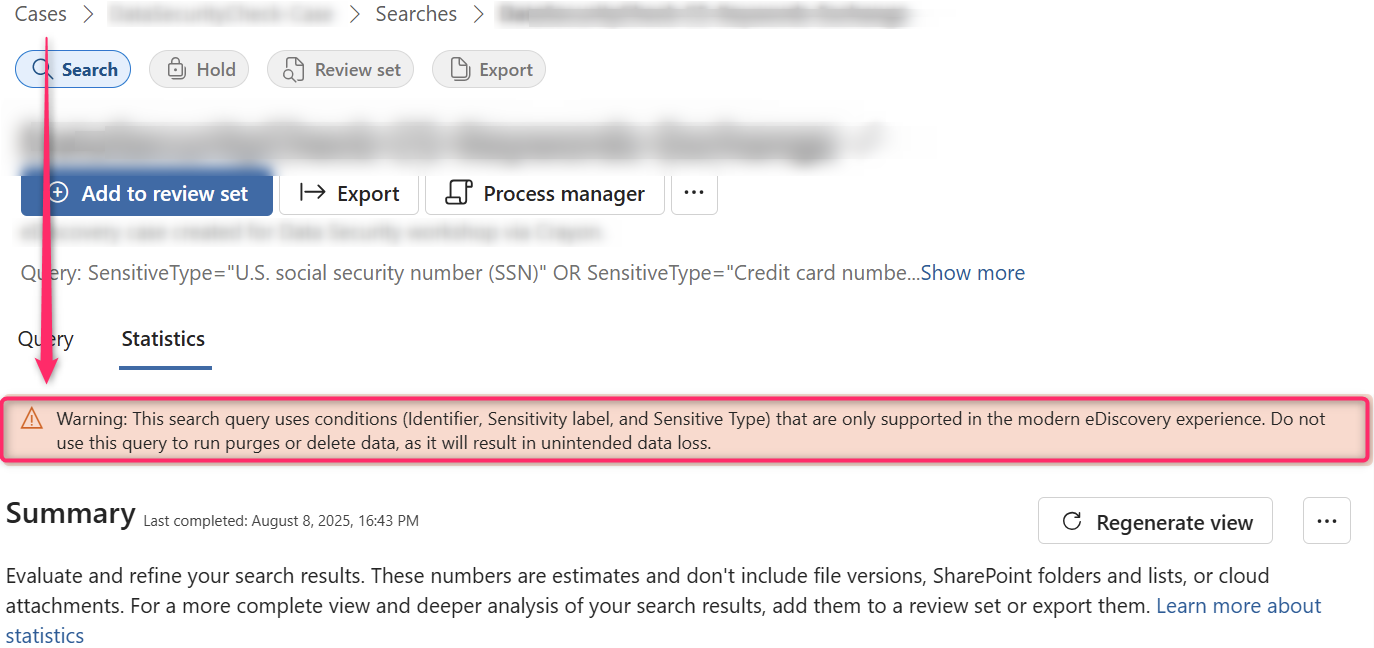
Something else I've noticed when you attempt a search using SITs against Exchange mailboxes using the modern eDiscovery experience is that you get this error:
Bespoke solutions (or: Welcome to the real world)
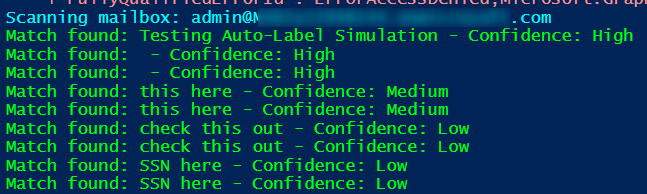
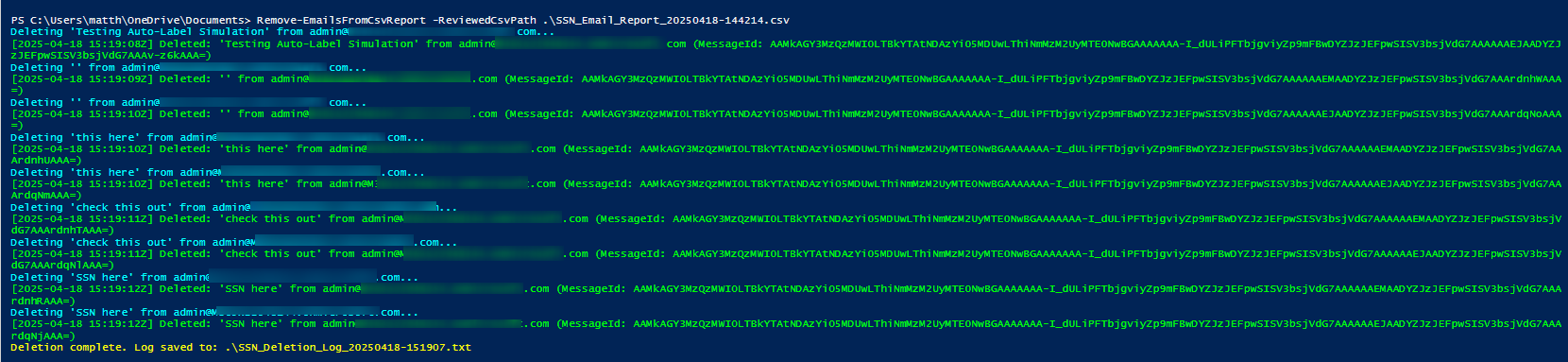
I created a PowerShell module that uses RegEx logic to search mailboxes for U.S. Social Security Numbers. It includes Confidence Level logic like a standard SIT would, and even allows you to delete the data, if needed:

Try it yourself
-Invoke-EmailSITSearch.ps1: Scans Exchange Online mailboxes for SSNs using keyword context and format matching, then exports a CSV for review.
-Invoke-EmailSSNDeletion.ps1: Enables safe, manual or bulk deletion of reviewed messages using the CSV (includes logging).
-README: Setup guide, app registration steps, Graph scopes, usage flow, and safety tips.
Now, I know this doesn't necessarily solve the entire issue at hand. Consider this a case study with a customer-specific resolution. They specifically needed to find US SSNs in user mailboxes and delete them, so I created this to solve it. But, this is also a proof-of-concept for future iterations. If you can come up with solid logic for other SITs like Credit Card Number or Bank Account Number, there's no reason why you couldn't add that to the code.
In fact, if you ask, you shall receive...so let me know if you want future iterations 😊